
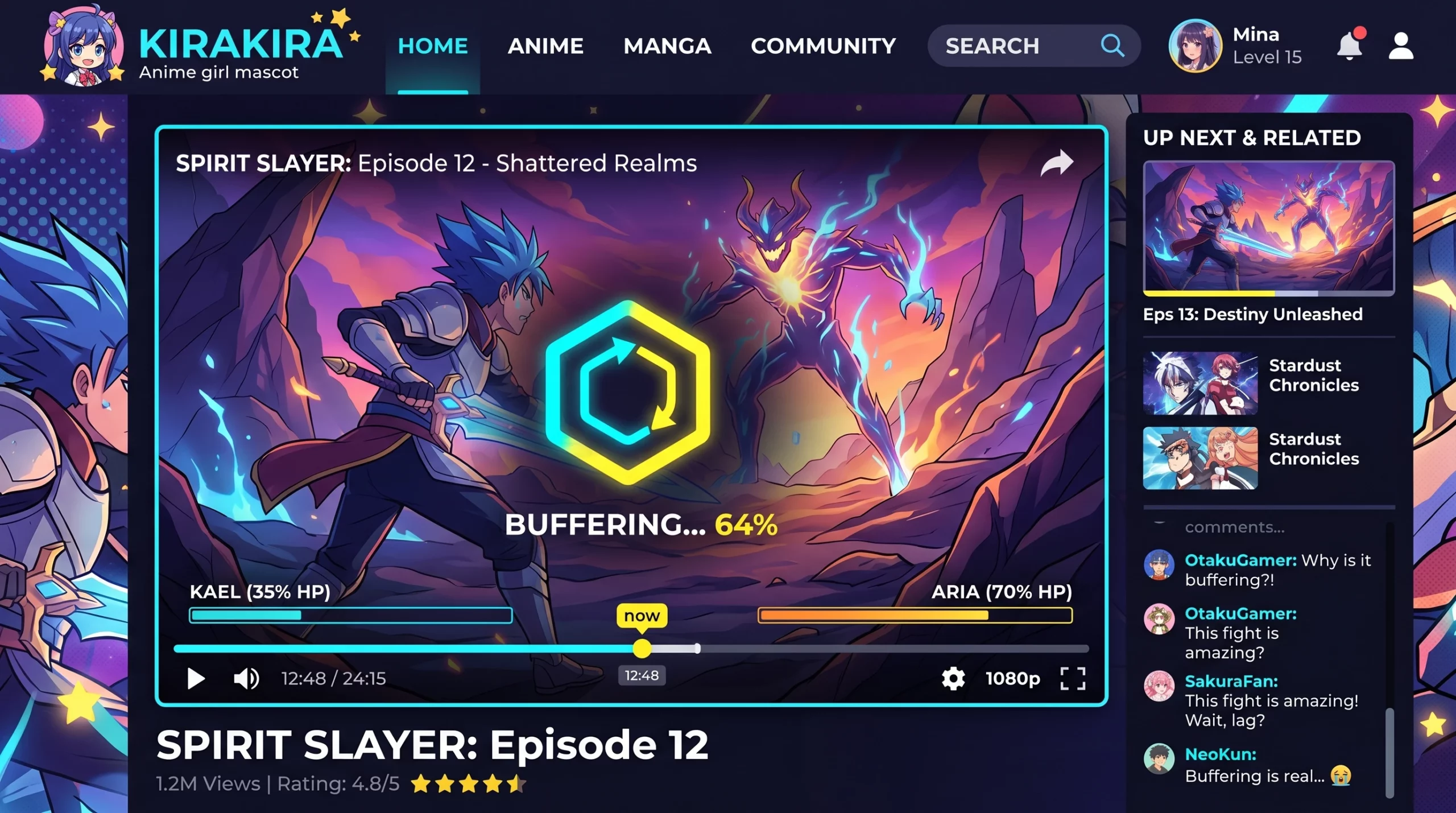
Streaming anime online sometimes means running into a few bumps. Here’s a quick guide to the most common anime streaming problems and some practical tips to get things working smoothly again.
Q1: What are the big issues people run into on anime streaming sites?
Slow loading and nonstop buffering rank high on the list. Playback errors can show up, or you might spot poor video quality at random. Sometimes, the player simply will not start, or episodes might refuse to load. Issues can also include subtitles that lag out of sync, sudden ads disrupting your flow, or even region-locked content that means missing out on certain shows altogether. All these things together can make the anime experience less fun than it should be!
Q2: Got any quick tips for fixing anime streaming problems?
Start simple; refresh the page or let the video buffer for a minute. Closing other tabs or apps that use up bandwidth can help a lot. If problems hang around, try switching to a different browser or clearing your cache. It’s also wise to check your internet connection for hiccups, restart your router, or even check if family members are streaming at the same time, which can eat up bandwidth.
Q3: Why does my anime keep buffering, and how can I deal with it?
Buffering usually points to a slow connection or a crowded server. Try moving closer to your Wi-Fi, pausing the video to let it load, or watching during times when fewer people are online. Lowering the video quality to 480p or 720p can make a real difference. Upgrading your internet plan or switching to a wired connection can also give a noticeable boost.
Q4: What if the video just won’t play on the anime website?
Check if the site is having outages by searching their socials or forums. Double-check that your ad blocker or VPN isn’t becoming an obstacle; turning them off might solve the problem. Sometimes, just reloading the site with a private or incognito tab works wonders. Using a different device or network can also help spot if the issue is local or widespread.
Q5: Are there extra things I can do to avoid streaming headaches?
Streaming issues can vary depending on internet speed, regional server traffic, device performance, and browser compatibility. I’ve personally noticed that most buffering problems during simulcast premieres improve significantly after switching to a wired connection or lowering the stream from 1080p to 720p temporarily. Updating your browser and keeping your device’s software current can fix odd playback bugs. It’s helpful to have a few backup anime websites bookmarked, so you aren’t relying on just one source. A good set of headphones, a comfy seat, and a bit of patience can turn frustrating moments into a relaxed anime session. Finally, consider following official anime channels for updates or fixes when issues are global.
Fixing anime streaming issues does not need to be a hassle. The troubleshooting steps in this guide were tested on Crunchyroll, Netflix, HIDIVE, and Prime Video across desktop, mobile, and smart TV apps. Trying these steps makes it easy to chill and get into your shows without interruptions, so you can really enjoy each episode as it drops. If you want a deeper dive, check out my guide on how to improve your streaming.