
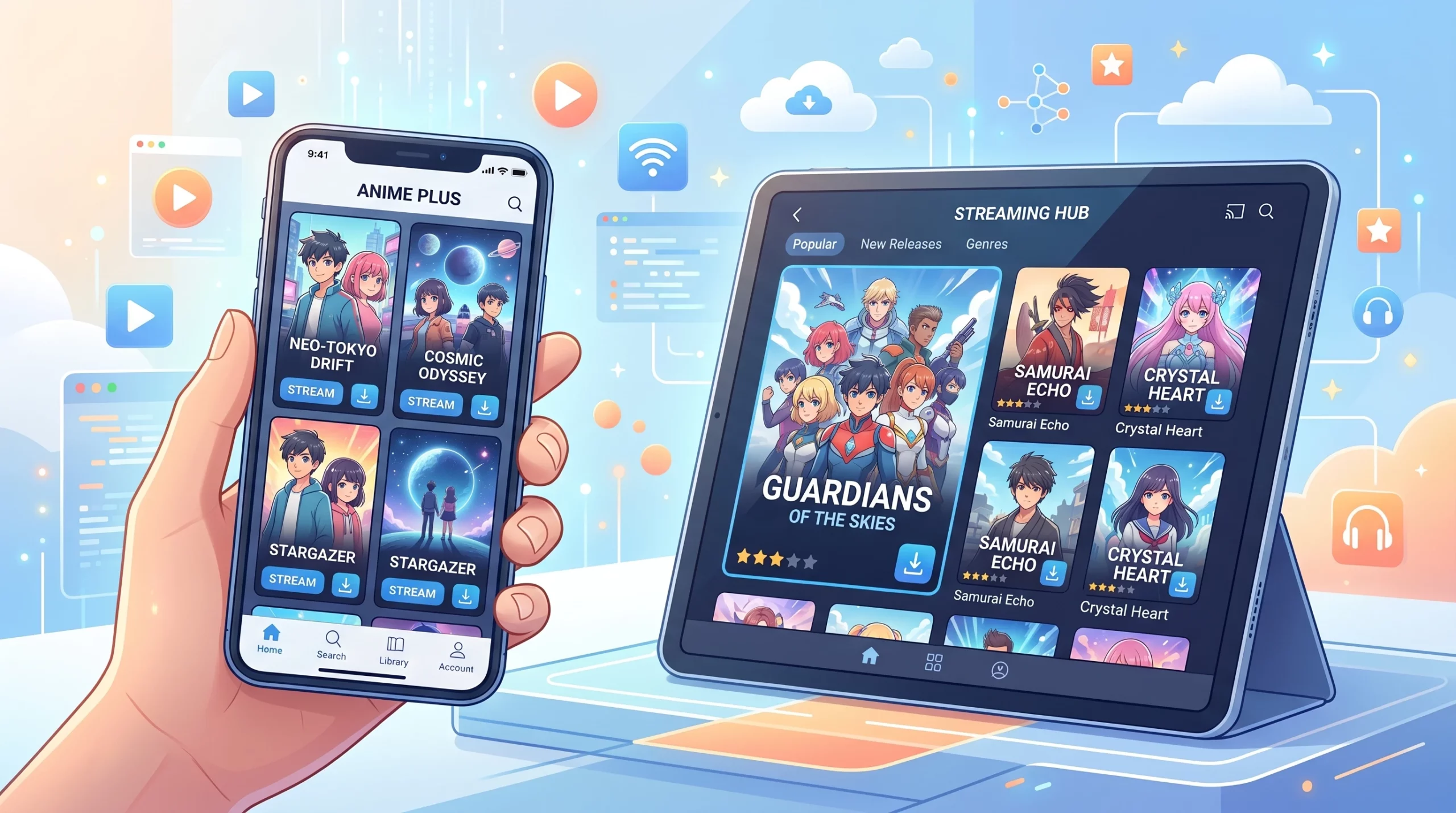
Anime streaming sites with offline download features are pretty handy for fans who want to keep up with their favorite shows but don’t always have a solid internet connection. Sometimes, you want to binge the latest episodes on a flight, train ride, or just somewhere with spotty WiFi. With more official apps now letting you download anime for offline viewing, it’s easier than ever to enjoy your favorite series anytime, anywhere.
I’ve tested offline downloads on long flights and train rides, and the biggest difference between apps usually comes down to download stability, storage management, and how often the app requires an internet reconnect. This guide covers my experience with popular anime streaming platforms that offer offline downloads, how their download options work, and which apps are best for watching anime when you’re on the go. Whether you want to stream on your phone or tablet, there are plenty of good choices out there. The world of anime streaming keeps expanding, and offline downloads make it even better for fans who are always on the move or just want a break from constant streaming.
Understanding Anime Streaming and Offline Features
Anime streaming apps have quickly become the main way people everywhere keep up with new shows, classics, and seasonal hits. Services like Crunchyroll, Netflix, and others offer not just streaming but also the option to download episodes for offline viewing. Not every platform provides this feature, though, so it’s worth checking closely before signing up.
When a streaming app or site gives you the option to download, it usually means you can save episodes or movies to your device through the app, allowing you to watch them even if you lose your internet connection. Most sites limit downloads to paying subscribers, and downloaded shows can only be played within the app, not as regular video files. This keeps content secure while giving you flexibility when WiFi isn’t available.
Each streaming service sets its own rules for offline viewing, such as how long you can keep downloads or whether you need to reconnect to the internet occasionally to keep them active. It’s useful to check out these rules before you choose your platform, especially if you plan to be offline for long stretches.
Top Anime Streaming Sites With Offline Download
I’ve tried a bunch of streaming apps, and I found that a handful really stand out for their offline download flexibility. Here are a few I recommend, along with what you can expect from each:
1. Crunchyroll
Crunchyroll is one of my top picks for anime, and its offline downloads work great if you’re a Mega Fan or Ultimate Fan subscriber. You can download a huge number of shows and movies right to your phone or tablet. Just look for the download icon next to individual episodes or movies in the Crunchyroll app.
- Downloads are available only in the mobile app, not desktop.
- You can choose video quality to save storage space.
- Downloaded content stays available as long as you have an active subscription and connect to the internet every 7 days.
2. Netflix
Netflix has a solid library of anime, both originals and licensed series, and its download feature is super easy to use. Just tap the arrow next to an episode or movie, and it’ll download to your device for offline viewing.
- Offline downloads work on iOS, Android, and Windows 10/11 devices.
- A great selection for downloads, including popular anime titles.
- Your downloaded videos will stay on your device for a set time (varies by title) or until your subscription ends.
3. Funimation (Moving to Crunchyroll)
While Funimation’s English dubs made it popular, most of its catalog is moving over to Crunchyroll. If you already have Funimation, you can still download content offline, but this feature may phase out as Funimation sunsets its service. Right now:
- Download feature works on iOS and Android.
- Subscription required for downloads.
- Selection depends on local availability and contract rights for downloaded shows.
4. Hulu(now part of Disney+)
Hulu’s anime library is stronger than people think, and if you have a Hulu (No Ads) plan, downloading episodes for offline viewing is easy from the mobile app. Just look for the download arrow on eligible shows.
- Not every anime title allows downloads, so check each show individually.
- Offline downloads are only available in the mobile app.
5. Amazon Prime Video
If you find anime series on Prime Video, the download feature works just like it does for Hollywood movies. Downloading is smooth, and you can watch it all offline afterward.
- Selection leans more toward older and classic anime.
- The Prime Video app for mobile lets you save episodes and movies directly.
In addition to these top five, a few regional services, like AniOne and Muse Asia in Southeast Asia or Wakanim in Europe, are starting to offer offline downloads as part of their premium features. Selection and rules do vary, so if you’re in a different region, check your local offerings for similar options to catch your favorites offline.
| Comparison Table | |||
| Platform | Offline Downloads | Devices | Best For |
| Crunchyroll | Premium only | iOS & Android | Seasonal anime |
| Netflix | Most plans | Mobile & Windows | Smooth offline playback |
| Hulu | No Ads plan | Mobile | Mixed TV + anime |
| Prime Video | Included with Prime | Mobile & Tablet | Classic anime |
| Funimation | Premium only | iOS & Android | Dubbed anime |
How to Download Anime for Offline Viewing
Getting set up for offline anime is way easier than it used to be. Every app does things a bit differently, but the process generally looks something like this:
- Install the streaming app (Crunchyroll, Netflix, etc.) on your phone or tablet.
- Sign in with your account and upgrade to a plan that includes offline downloads if needed.
- Find an anime you want to watch and look for the download arrow or button next to the episode or season.
- Tap to start the download, then wait for it to finish.
- Once the episode is downloaded, you’ll find it in the “Downloads” or “Offline Library” section of the app.
For the best results, I recommend downloading over WiFi, especially if you’re grabbing full seasons or shows in high quality. Mobile data can work too, but it might go through your bandwidth allowance really fast. Some streaming apps also let you schedule downloads for times when your device is plugged in, helping you avoid battery drain.
If you have limited storage, remember to regularly clear old downloads you’ve already watched. This keeps your device free for new shows and allows you to keep up with the latest episodes as soon as they’re released. A little organization goes a long way toward making your offline anime bingeing hassle-free.
Can You Download Anime to Watch Offline on Your Phone?
Most of the apps covered above make offline anime watching simple on both Android and iOS devices. After you subscribe to a plan that supports offline mode, downloading and playing episodes offline is just a few taps away. The only catch is you can’t move these downloads outside the app, since they’re locked in for copyright reasons.
If you love binge-watching on your commute or away from WiFi, this feature is really useful. Just remember that most apps require you to go online at least once every few weeks to keep your downloads active and up to date. If you let your subscription lapse or don’t connect to the internet for too long, the downloads may expire or become unavailable until you sync again.
It’s always smart to double-check your download list and refresh everything before a big trip. That way, you don’t end up without your anime when you need it most!
Are There Free Anime Streaming Sites With Offline Download?
Most legit services require a paid plan for downloading episodes, even if they offer some free streaming with ads. Some less official websites might claim to let you download anime for free, but they often come with risks: things like malware, poor video quality, or even legal trouble can be an issue if you go down that road.
I always stick with official apps like Crunchyroll, Netflix, or Hulu for offline anime. It’s safer, keeps the video quality high, and supports studios and creators. While it’s tempting to look for free options, downloading from unauthorized sites isn’t worth the trouble or risk. In the end, having legal access through subscriptions is the best way to keep watching new and classic anime safely offline. For the latest download rules and supported devices, check the official help pages from Crunchyroll, Netflix, and Hulu before subscribing.
Other Tips for Watching Anime Offline
I’ve picked up a few tips from downloading anime for travel and offline use over the years:
- Clear out downloads you’ve finished to free up space for new episodes.
- Pick the video quality that balances between storage space and picture clarity—many apps let you choose.
- Make sure your device stays charged, especially if you’re on a long trip or won’t have access to a charger.
- Update your downloads before you leave WiFi, since some shows update episode availability or require a refresh.
- If you’re heading somewhere with data limits or spotty service, prep your anime library ahead of time so you can settle in and watch smoothly.
- Don’t forget to bring headphones or a portable charger to enjoy your anime uninterrupted wherever you are.
Disclaimer: Download availability, supported devices, and offline viewing limits can change over time depending on licensing agreements and regional restrictions. Always check the official support pages of each streaming platform for the latest details.
Final Thoughts
Offline downloads on anime streaming sites are super useful for watching your favorite series wherever you go. Paid plans on Crunchyroll, Netflix, Hulu, and others come with this feature, and each makes the process pretty smooth and straightforward. If you love watching anime offline, try a few of these apps and see which one fits you best. Watching without worrying about your connection just makes the experience that much better. Now you can take your favorite anime on planes, buses, or even camping trips—enjoy the flexibility, and happy watching!
Want a better viewing setup at home? My guide to the best anime apps for smart TVs covers the easiest ways to stream on bigger screens. Or if certain anime titles are unavailable in your region, my VPN streaming guide explains how regional catalogs work on anime platforms.