
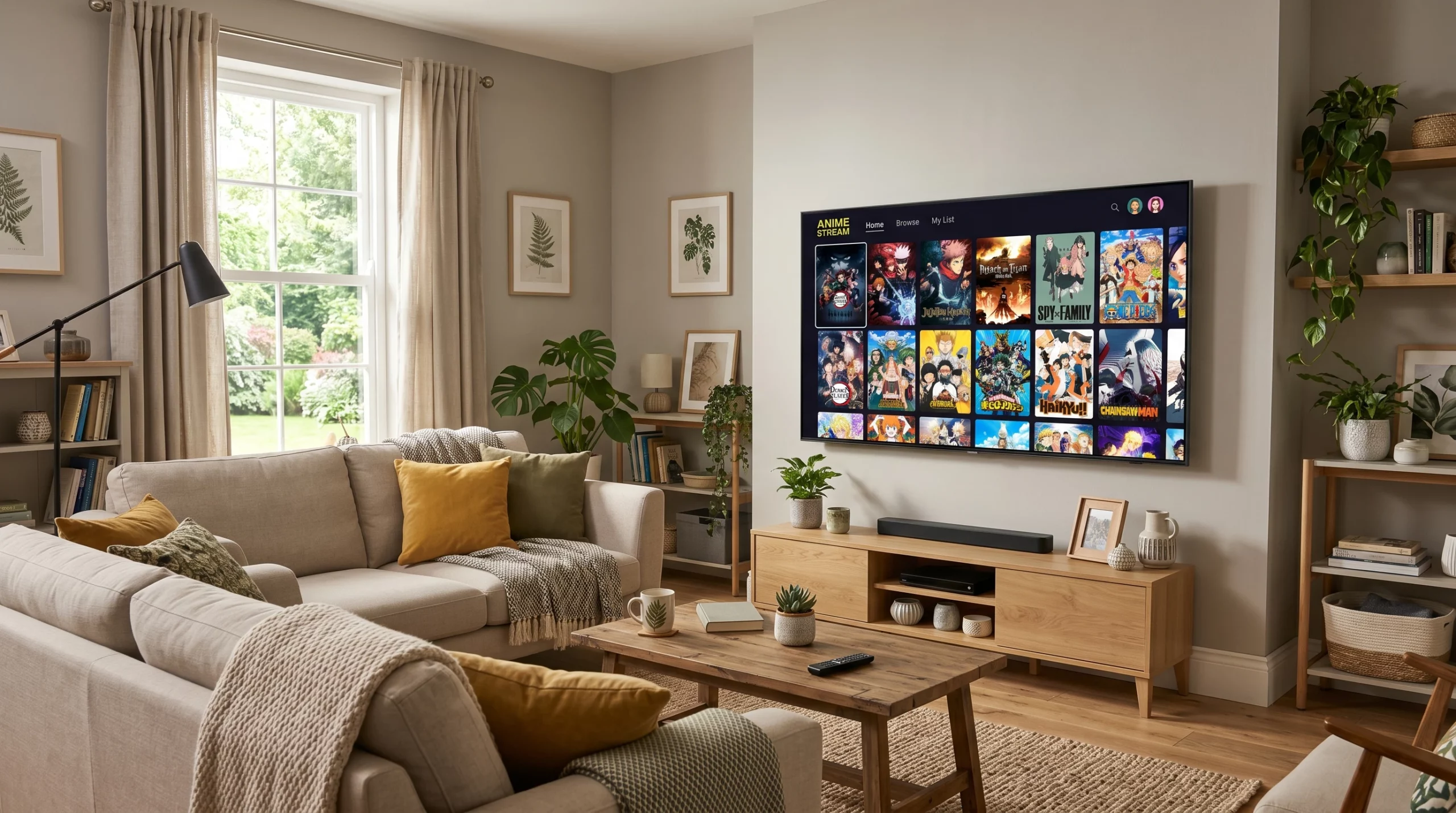
Streaming anime on a smart TV has gotten way easier in the past few years, and there’s a whole world of apps you can try right from your living room. If you love anime or are just starting to get into it, smart TVs make it super convenient to watch your favorite series and movies on a big screen, all without dealing with messy cables or extra devices.
An anime app for smart TVs is exactly what it sounds like: an app you install on your TV that lets you browse, search, and play anime directly. No extra devices or complicated setups are required. I use these apps all the time, and I think it’s an awesome way to binge shows, stumble upon new releases, and even keep up with simulcasts as they air in Japan.
If you’re not sure which anime apps work best for smart TVs, or you’re wondering how to get these apps up and running, I’ve put together a super detailed guide below. This guide is based on testing anime streaming apps across Android TV, Roku, Fire TV, Samsung Tizen, and LG WebOS platforms. You’ll find my favorite apps, tips for finding your way through their features, and some neat tricks for customizing your anime watching setup.
How To Watch Anime On Smart TVs
Watching anime on a smart TV is all about convenience. Thanks to builtin app stores (like Google Play for Android TV or the Roku Channel Store), you can grab most of the top anime streaming apps without needing any special equipment.
- First, head to your TV’s app store and search for the anime streaming app you want. Some common ones I always see are Crunchyroll, Funimation (now part of Crunchyroll in many regions), Netflix, and HIDIVE.
- Once you’ve found your anime app, just click install. Most of these apps are free to download, but you’ll need a subscription to access all their content.
- Log in with your account, and you’re set. Every time you turn your TV on, your anime app will be ready to go from your home screen or app list.
If you don’t see the app you want on your smart TV, try casting from your phone or tablet using Chromecast or Apple AirPlay. I do this a lot when I want to watch shows from smaller streaming services that don’t have their own TV app yet.
Guide To Anime Apps For Smart TVs
Before picking an anime app, it helps to know what each one does best. Some focus on new releases, while others have big back catalogs or offer dubs and subs side by side. Here’s what I look for:
- Simulcasts: Shows streaming the same day as Japan.
- Subtitle and Dub Options: Some let you switch easily, which is really handy if you watch with friends or family who prefer dubs.
- Personalized Watchlists: You can save shows to pick up later, even across different devices.
- Offline Downloads: Not common for TV apps, but some platforms let you download episodes to a mobile device and cast to your TV if your internet is spotty.
Smart TV interfaces vary, but most anime apps have an easy navigation menu, a search function, and categories like Popular, New Releases, or Genre. I like to take a few minutes to poke around these menus when I first download a new app. It helps me find hidden gems and set up my account preferences. Some apps have recommendations based on your watch history, making it easier to stumble upon shows that match your taste.
For those who want even more control, try downloading the companion app for your smartphone—many anime streaming services let you sync progress, manage your watchlist, and even control the TV app directly from your phone. It feels a lot faster than using a basic remote and gives you extra features like notifications for new episodes.
What Are The Best Anime Apps For Smart TVs?
Anime fans have tons of apps to choose from these days. Here are the top options I’ve tried on smart TVs. These are all solid, reliable, and have big anime libraries.
Crunchyroll
- The biggest anime library out there, hands down. Crunchyroll is available on nearly every TV platform (Android TV, Roku, Fire TV, Apple TV, and more).
- It’s known for fast simulcasts, meaning you can watch the latest episodes only hours after they air in Japan.
- The free plan is ad supported, but premium plans let you watch ad free and sometimes in higher resolution.
Funimation (Now Merging With Crunchyroll)
- Best for people who like English dubs. Funimation’s library is smaller than Crunchyroll’s but has a big focus on dubbed content.
- Good selection of classics and newer series. You can often find exclusive dubs here.
- The interface is simple, and navigation with a remote is easy.
Netflix
- Not an anime app only, but Netflix’s anime library has exploded in the last few years. Tons of exclusives, originals, and classic series.
- Great if you already have a Netflix subscription for other types of content too.
- Reliable streaming quality and subtitles in multiple languages.
HIDIVE
- Focused on niche titles and less mainstream shows. If you want to explore hidden gems and simulcasts that aren’t on Crunchyroll, HIDIVE is worth checking out.
- The app is available for selected smart TV platforms and works really well on Fire TV and Apple TV.
Amazon Prime Video
- Loads of anime mixed into its main library, especially movies and bigname series.
- If you’re already a Prime member, you get a nice bonus selection of anime with your membership.
My advice: Try a couple of these apps and see which layout you like best. Each one brings something a little different, so the right pick comes down to what kind of anime you want to watch and which features matter most to you.
It’s also worth noting that several platforms now offer free trials. You can sign up for a week or even a month to get a sense of what content is available before committing to a plan. Consider asking fellow anime fans or checking out online communities for recommendations about lesser known services. Sometimes, hidden gems pop up in unexpected places, and you don’t want to miss out.
Advanced Settings For Anime Apps On Smart TVs
Smart TV apps make it easy to set up your viewing experience just how you like it. Here are some adjustments I recommend poking around in:
- Subtitle Settings: Choose the font size, color, and sometimes even customize background transparency for subtitles. This is really useful for people with vision needs or if you sit far from the screen.
- Playback Quality: Most anime streaming apps let you adjust video quality if your internet sometimes lags, dropping from 1080p to 720p can keep your stream smooth without constant buffering.
- Audio Tracks: If an anime offers both dub and sub, you can usually switch the language right from the playback menu.
- Parental Controls: Many apps let you lock down mature content or set up a kids’ profile.
Don’t forget to update your apps when asked. Developers roll out new settings and bug fixes pretty often. Enabling autoupdates is a good move if your TV supports it. Another tip: check your TV’s firmware updates now and then, since improved compatibility or security patches can give a boost to your streaming experience.
Extra Tips For Watching Anime On Smart TVs
I’ve noticed a few tricks that make anime nights even better at home. Here are tips that might help smooth things out:
- Use an external sound system or soundbar for richer audio, especially during action scenes or when music is a big part of the show.
- If your remote feels clunky, grab a wireless keyboard or use your phone as a TV remote through the official app. Typing out titles or searching genres is way quicker this way.
- Groupwatch features are popping up on some apps (like Crunchyroll’s Watch Party), so you can sync up episodes with friends online.
- Bookmark your watchlist so you never lose track of where you left off in a longrunning series (especially those with 100+ episodes, it’s easy to forget where you were!).
- Experiment with your TV’s picture modes (like Cinema or Game Mode) to see which one makes anime colors look most eye-catching. Some highend TVs even have specific animation settings that make visuals pop.
- Don’t be afraid to check out subtitle options, even if you usually watch dubbed anime. Some apps have fanmade subs or slight translation tweaks that add extra flair to dialogue.
Anime on a smart TV brings all your favorite stories and characters to life. With the right mix of apps, settings, and features, kicking back with anime at home is super chill and way less hassle than surfing random websites. Enjoy your next-level cool setup and happy watching! Now if you want to know which are the best Smart TVs for anime streaming, I have just the list for you!